How to Build a Mobile-First LMS?
How to build a mobile-first LMS?
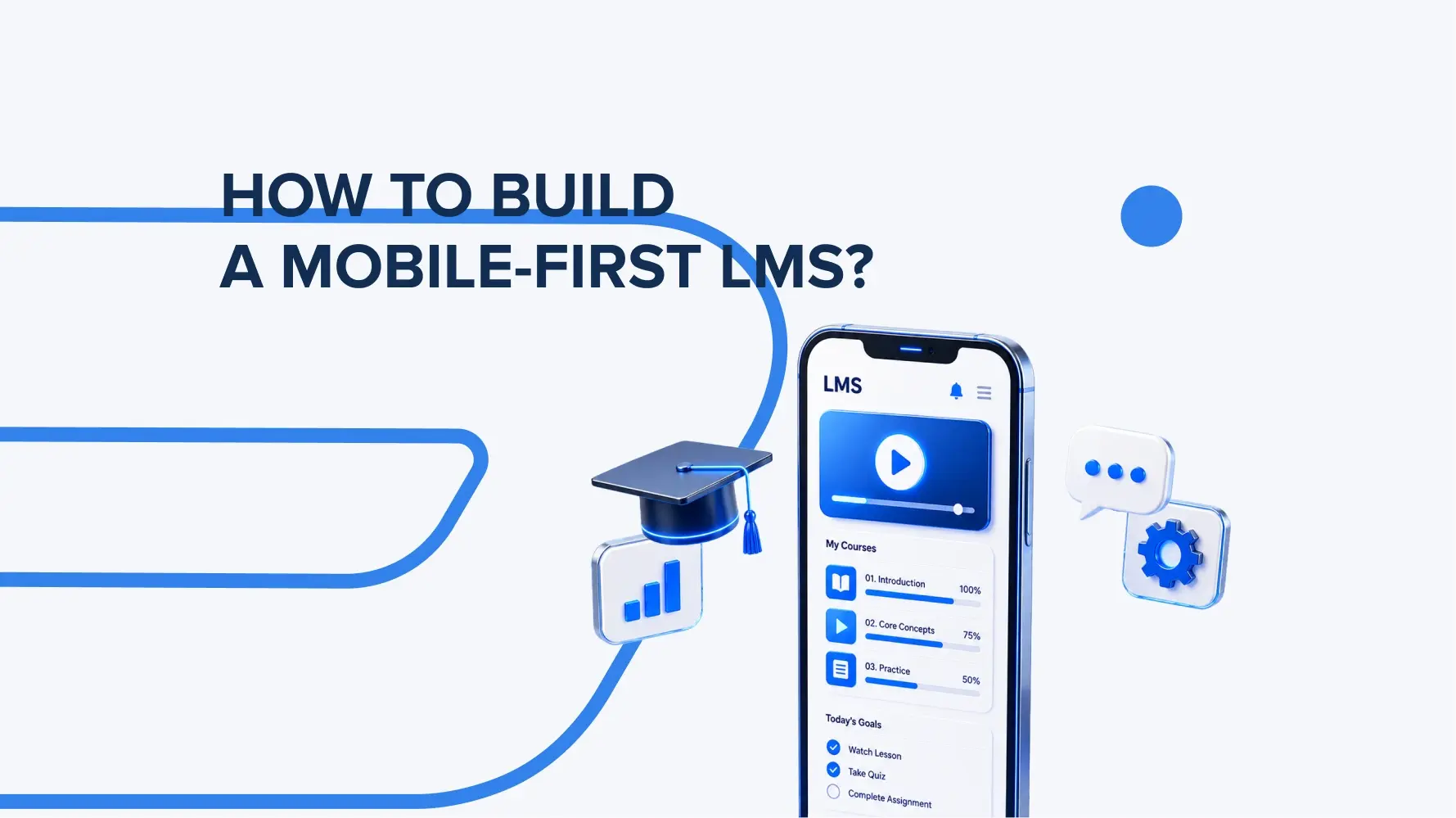
First and foremost – start from the development process for smartphones and then adapt it for bigger screen sizes. The whole mobile-first LMS building process covers the following steps:
– Research user needs and mobile learning scenarios.
– Design an intuitive mobile-first interface.
– Optimize content for smaller screens.
– Build a responsive platform or dedicated mobile app.
– Enable offline access to learning materials.
– Optimize performance and loading speed.
– Add push notifications for reminders and updates.
– Test across different devices and operating systems.
– Track engagement and learning progress with analytics.
What makes an LMS mobile-first?
A mobile-first LMS (learning management system) is designed around the way people learn on mobile devices. Thus, the development process is built in the same way – for small screens first, and then adapted to bigger ones (laptops, tablets, desktops).
The interface is primarily designed for touchscreen navigation, the learning materials load quickly, and users can comfortably take courses on their smartphones.
With this learning management system, learners can access content offline, receive notifications, synchronize progress across devices, and complete short learning modules, tailored to modern mobile learning scenarios.
Which features are necessary on mobile?
Mobile-first learning management systems should have features that ensure fast and convenient access to video/text content, wherever the student is. The list of key features includes:
– adaptive interface,
– offline access to materials,
– push notifications about new assignments and deadlines,
– quick course search,
– learning progress tracking,
– interactive quizzes,
– support for video and multimedia content,
– data synchronization between mobile devices and the web version of the system.
What architectural decisions are the most important?
Architecture decisions for learning management software stand on three core things – performance, scalability, and stable synchronization between devices.
The first development-driven step covers choosing the LMS architecture – monolith or modular. In 2026, modular architecture remains the preferred choice for performance and business results. It better supports independent feature scaling such as courses, analytics, and notifications. The implementation of role-based access control (RBAC) is also crucial, as it defines access rights for students, faculty, administrators, and corporations.
Next essential decision to make – adopt an API-first approach so that the mobile app and web client operate through a single set of stable APIs. Offline data syncing ensures users can continue learning without internet and have their progress updated afterward.
Working together, these smart decisions will drive the creation of a user-friendly and convenient LMS that works well across all devices, primarily on smartphones.
Conclusion
In a mobile-first LMS, the learning experience is completely reimagined around the phone. This is what today’s learners expect from a modern LMS and where the development focus should be.