How to Build Mobile Apps for Healthcare Startups?
How to build mobile apps for healthcare startups
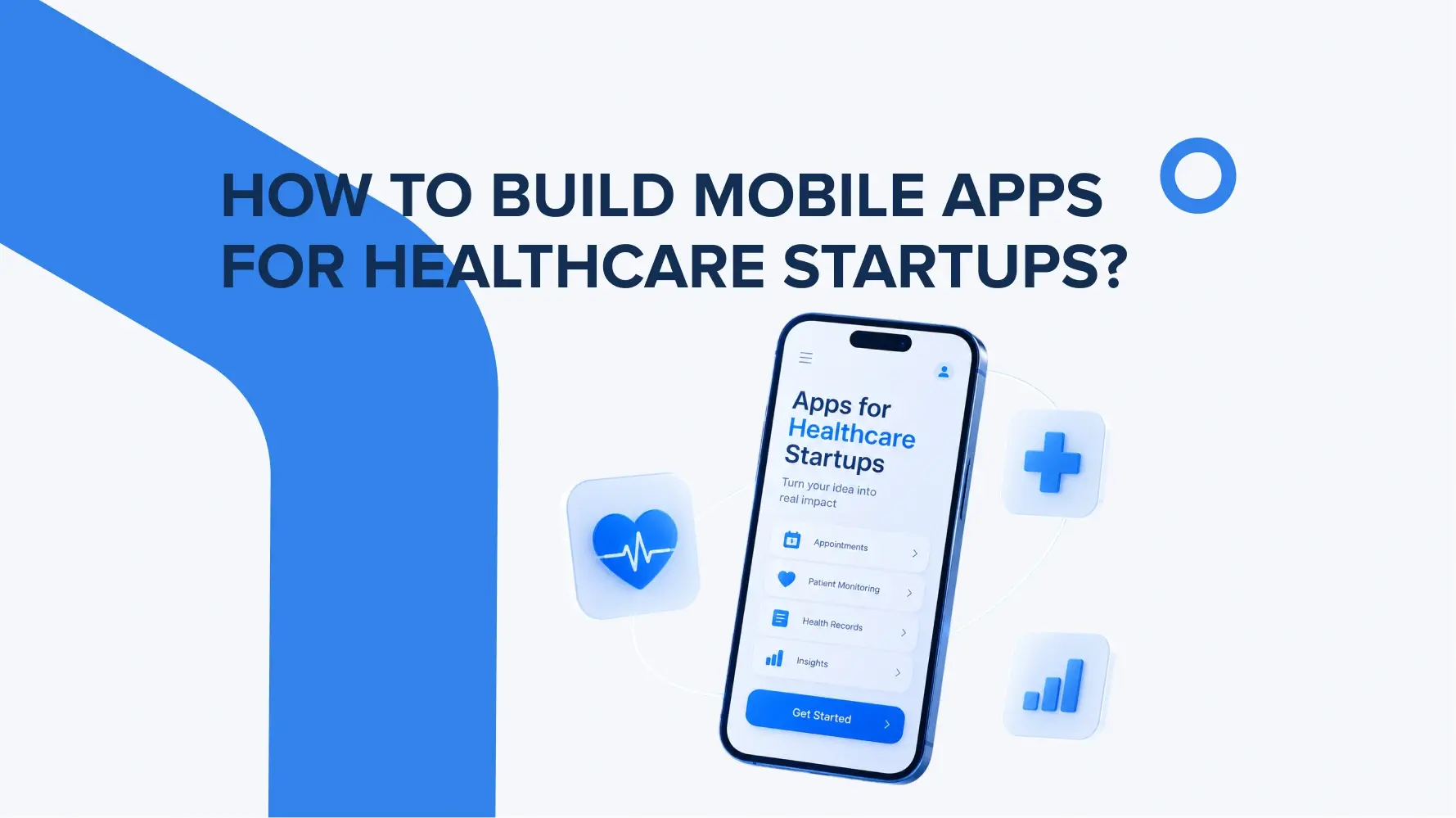
To build a mobile app for a healthcare startup, begin by identifying the concrete user issue they want to solve with the help of your app, and then build the most vital MVP features around it. Only after this, start work on technology set choosing, as every business requirement needs the right features and technical approach behind it.
Typically, healthcare mobile apps solve the following issues for patients, doctors, and medical organisations:
– simplifying the appointment scheduling process;
– conducting telemedicine consultations;
– tracking health metrics;
– medication reminders;
– access to test results;
– communication between patients and doctors;
– automating data collection and some administrative processes.
Talking deeply about the technical side, the app architecture should consider scalability, integration with APIs & medical systems, and secure handling of sensitive data.
For products that handle sensitive health information in the U.S., HIPAA requirements must be taken into account, and in the EU market – the GDPR. Encryption, access control, authentication, and testing also require special attention. After launch, product development should be based on analytics, user feedback, and the validation of product hypotheses.
What to consider before building a healthcare mobile app
Before building mobile healthcare apps, clearly identify who will use it, in which way, and in what medical context. In 2026, the following aspects remain especially important.
Target users and user journey
First, identify the primary users (patients, doctors, medical staff, or administrators) and the key scenarios. These can be scheduling an appointment, consulting with a doctor, viewing test results, monitoring health status, or working with medical data. It’s a great way to build functionality based on real-world tasks.
Type of healthcare application
There are patient-facing, provider-facing, and hybrid applications clinic choose between before MVP building. Patient-facing apps are designed for patient interaction with medical services; provider-facing apps focus on healthcare professionals’ workflows, while hybrid solutions combine both scenarios. Depending on what kind of product you have, the UX, access rights, and architecture will differ.
Core features
There is no universal set of features for healthcare startup apps. For one product, the core may be appointments and telehealth; for another – health tracking, medication management, or clinical workflows. Everything is built around how the final app should support users and what value it brings them.
UX/UI
Apps for healthcare must minimize complexity and the risk of user errors, as it’s a specific industry. Particular attention should be paid to accessibility, readability, clear status indicators, and critical scenarios. The W3C provides separate guidance on applying WCAG 2.2 to native, web, and hybrid mobile apps.
Data security and compliance
Health data protection must be built into the product from the very beginning: access control, secure data transmission and storage, and management of third-party services. In the U.S., HIPAA applicability depends on who provides the app and how the data is processed. FTC and FDA requirements may also apply. For the EU, the GDPR and other regulations should be considered based on the product’s functionality and target market.
How to design UX/UI for healthcare mobile apps
When working on design during hospital app development, always remember that users may use it in stressed situations or under specific health conditions. Therefore, build the user journey around clear and safe scenarios. The app interface must be as simple as possible, with readable typography, intuitive navigation, and clear feedback after every important action.
For app accessibility, align with the WCAG 2.2 standard as well – sufficient contrast, text scaling, large touch targets, and support for assistive technologies. When users enter medical information or manage medications, the interface should help prevent mistakes and confirm important actions. That’s what should be considered first in UI/UX.
Healthcare mobile app development: features and integrations
To develop a medical app with a results-driven intention, its functionality should be determined by the product’s specific use cases. For example, these may include secure authentication, appointments, telehealth, medication management, notifications, or health monitoring.
Here is where integrations step in to support core app features, like integration with EHR/EMR systems, laboratory systems, third-party APIs, wearables, or medical devices. HL7 FHIR is widely used for the standardized exchange of electronic health records.
And, of course, the features and integration complexity directly affect the budget and timeline. EHR connectivity, real-time data exchange, telehealth, complex backend architecture, and additional security requirements all add more time for development, integration testing, and security checks.
What to choose for healthcare mobile app development – native or cross-platform development?
The choice between native and cross-platform development depends on features, performance requirements, integrations, and budget. Native development using Swift for iOS and Kotlin for Android is better suited for products that require deep access to device APIs, complex integrations with wearables, or high performance. A cross-platform approach using Flutter or React Native allows for a shared codebase across both platforms and often enables a faster MVP launch.
For example, for the TGYM project, we built native apps separately for iOS and Android platforms. This approach helped our team deliver an exceptionally well-designed and flawlessly functioning app that serves as an all-in-one platform for a healthy lifestyle. Within it, users can start their fitness journey, follow built-in video training, discover delicious healthy recipes, and track their progress.
Before releasing a healthcare app, it’s also important to run a full product test. The functionality, security, permissions, integrations, performance across different devices, accessibility, and critical user flows. Separate tests are run to test how the app behaves if there are errors or a connection loss.
Conclusion
Medical mobile app development requires striking a balance between user needs, technology, security, and the requirements of a specific market, all at once. For a startup, it’s best to start with a clearly defined problem and a focused MVP. Remember to design the architecture so that the product can be safely scaled, integrated with healthcare systems, and further developed after being tested by real users. That’s a more balanced approach to follow in 2026 in a highly competitive business environment.