VR in Education: Transforming Learning and Teaching

What is Virtual Reality?
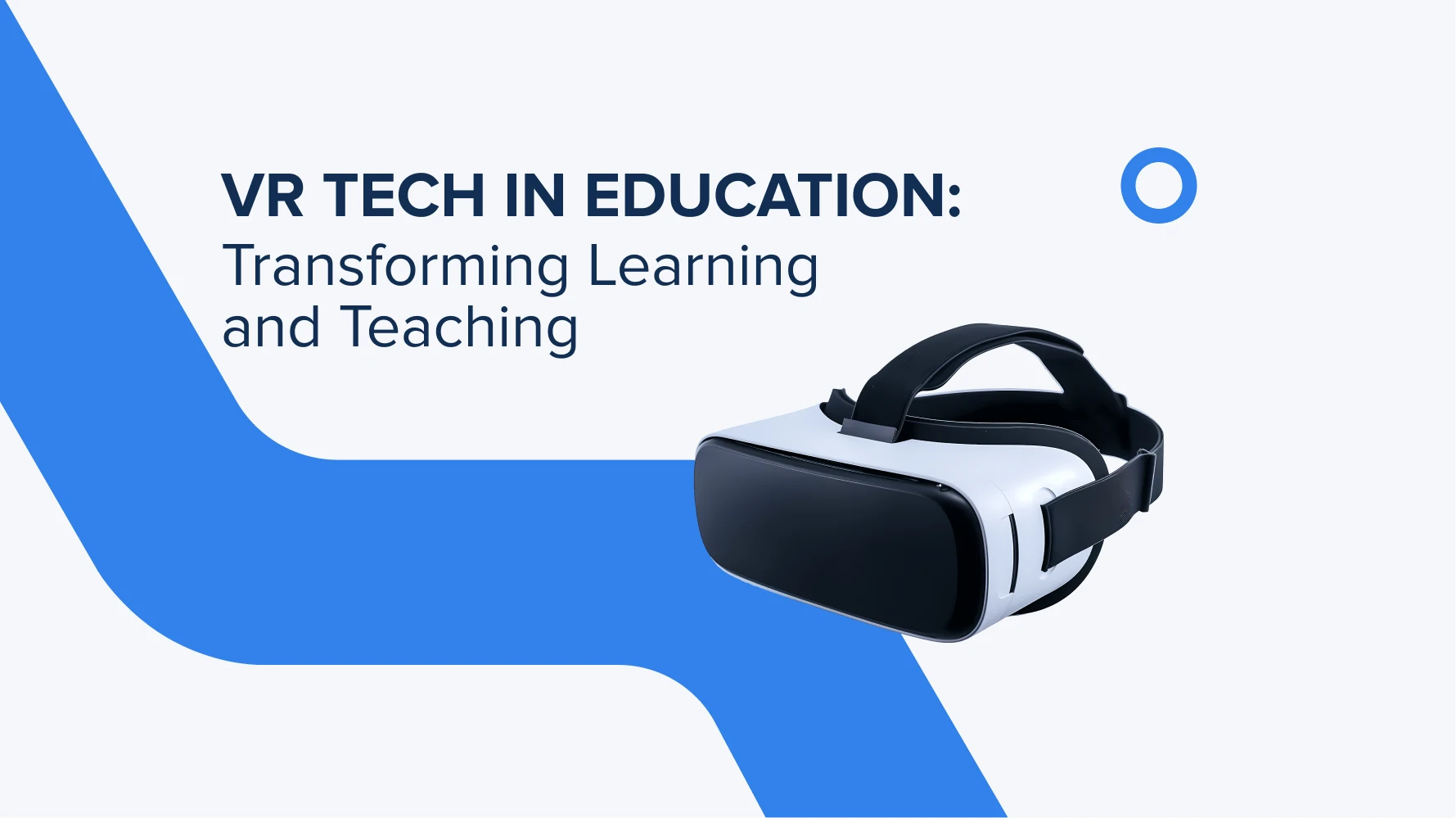
Virtual reality (VR) is a technology that lets you step into a completely different world. It feels like you’re right there, inside it, looking around, exploring, and interacting with everything around you. Using special headsets or goggles will do the trick. To support this effect, today, use devices like Meta Quest or HTC Vive. They make this kind of full-on immersive experience possible.
VR technology is actively used in the gaming world, along with virtual tourism, museum visits, education, and even hands-on professional training. It’s really helpful tech for doctors to practice surgeries or pilots to prepare for flights without real-world risks.
Talking about education, VR turns boring theory into something you can actually experience. Instead of just studying theory, students can virtually walk through faraway places or dive into the human body to see how it all works. It makes learning more visual, interactive, and just plain exciting.
How is it used in education?
Virtual reality in education it’s a handy assistant that makes everything more interactive and engaging. While standard school lessons teach theory, VR technology lets students literally touch areas that they can’t see in books. Thanks to virtual reality, biology lessons, historical events, chemistry processes, geography, and many more get a whole new level of fun.
Here is how it works:
Virtual laboratories and simulations. VR lets students safely dive into chemistry or physics experiments without any risk. No dangerous reactions or broken lab gear. It’s a smart way to learn hands-on, without the mess or the cost.
Virtual tours and museums. Why just read about the Colosseum or the Louvre? VR makes it possible to go back in time, explore ancient civilizations, and turn history into an adventure. By the way, children and teenagers have better visual memory, so VR learning is the best choice.
Soft skills development. VR can be a great tool for building communication, empathy, leadership, and conflict resolution. In real-life scenarios, students practice communication skills, which are essential for teamwork and living in society.
Inclusivity and accessibility. Virtual classes open doors for students in remote areas or those with physical challenges. It’s like sitting at a school desk. Just online and fully immersive, so everyone gets a seat at the table.
Real cases
- Australian startup Mindflight7 uses VR for all school subjects. During lessons, students “find themselves” in a rainforest, or a chemistry lab, or become participants in historical events. Students are interested in learning more and have improved math comprehension by 60%.
- US universities (such as Case Western and Arizona State) use HoloLens/VR for in-depth anatomy studying. Future doctors train their speed, work in a safe virtual space, and collaborate with classmates during their studies.
How to integrate VR technology into an existing product?
Start with a clear understanding of why you need VR in the education process. Here are could be several reasons. For interactive lessons, online education, or employee training. Put everything into a clear technical brief and move forward step by step. Like this:
Choose a VR format
You can go with VR headsets like Meta Quest or HTC Vive for full immersion. Or, if you want something lighter without extra hardware, consider WebVR or 360° video. They work right in a browser.
Select development tools
For 3D VR apps, the most common tools are Unity and Unreal Engine. If you’re building WebVR that runs in a browser, go for A-Frame or Three.js. We just wanted to let you know what works better today. In a real environment, a development team will help you choose the best-fit tech for your goals.
Prepare integration with your existing product
Look at how your current system handles data. Via API, database, ERP/CRM, or other tech. This step depends on your internal infrastructure. Your VR module will need to connect smoothly, whether it’s pulling in or pushing out data.
Design UX/UI for VR
Interfaces in VR work a bit differently than we see in everyday digital products. Forget traditional buttons and clicks. It’s all about images, gestures, gaze tracking, and head movement. Keep things intuitive and use less text. Rely more on visuals and motion to guide the user.
Create an MVP
Start small with a test version that highlights one core feature. It could be a single 3D-animated lesson or a simulation scenario. Then, give access to 5–7 users and gather their feedback. You can use it to identify what works and what needs refining in the next phase. All in all, this approach helps you save your budget and test the product at an early stage.
What to expect at the finish line? Positive feedback is an indication you’re on the right track. As long as everything’s working smoothly, you can bring VR into the learning process with confidence.

What equipment is needed for VR in schools and other educational projects?
To ensure that students get a great first experience with VR technology, we advise having the following key equipment. First and foremost, VR headsets. There are two main types to choose from: standalone headsets, which do not require a connection to a computer, and headsets that work in conjunction with powerful PCs. For the first option, Meta Quest 2/3, Pico 4, or ClassVR are suitable. For the second one, the HTC Vive Pro or the Valve Index are suitable.
The next important element is the controllers and motion trackers. They provide full interaction with the virtual environment and respond to gestures, hand positions, and movements.
If you decide to go with a PC option, you’ll need a PC with a powerful GPU (graphics card) and a modern processor. The graphics card should have at least 8 GB of RAM. If you plan to create your own VR content, you will need additional devices. Like 360° cameras (Insta360 or GoPro MAX).
For group classes or a deeper immersion, you can use additional devices. For instance, VR projectors, multi-sided projection (immersive classrooms), VR treadmills (special platforms for free movement in VR), backpack computers, and high-quality audio systems. The full package for a better experience with VR learning.
It’s also important to provide infrastructure for stable data transmission. High-speed internet (from 25 Mbit/s), charging and storage stations for headsets, security protocols, and technical support.
All the equipment above allows you to organize convenient and safe work with VR in a full-fledged learning space.

What benefits will your EdTech app receive after implementing VR?
VR technology is a great way to make lessons more engaging and improve your EdTech app. So that students will remember and improve their skills in various subjects. Instead of passively studying theory, they’ll get to explore topics that aren’t covered in books. It’s the greatest value the VR technology provides to learners and teachers as well.
Did you know that visual or “experiential” content is remembered up to four times faster? This approach keeps students engaged for up to 80% longer. As a result, students get better results and show more interest in difficult subjects.
During VR sessions, students can perform complex or potentially dangerous experiments in a safe virtual environment. Like, in chemistry or biology lessons. In addition to this, VR overcomes physical, geographical, and visual-auditory barriers. It creates a personalized environment for each student, wherever they are.

What subjects and disciplines benefit most from VR-enabled learning?
The disciplines that benefit most from VR are those where technology adds practical value, deep immersion, and visualization. Here is a more detailed list.
STEM subjects. Biology, chemistry, and physics become much easier with VR. It lets students study complex phenomena in virtual laboratories. They can explore the human body, perform chemical experiments without risk, and simulate physical processes under various conditions.
History and geography. VR makes it possible to travel through time, visit ancient cities, and witness historical events. Each student will be able to experience the context and culture of that time with their own eyes. Geographical expeditions are also available. This is the most engaging way to explore rainforests, oceans, and deserts. All these without leaving the classroom.
Math. In math classes, students can explore spatial figures in 3D, making it easier to understand complex concepts and visualize how they work.
Foreign languages. Full immersion in foreign language learning. VR technology supports conversations with virtual native speakers in realistically recreated contexts (cafes, streets).
Medicine and healthcare. Surgery training, anatomy study, emergency simulations. VR helps future doctors practice and improve their skills.

What are the main challenges of implementing Virtual Reality in education?
VR education development involves significant costs to buy headsets, controllers, and powerful PCs. On top of that, annual expenses for maintenance and technical support add extra points to the budget. The good news is, leading institutions have shown that these investments pay off by boosting student engagement and improving the learning process.
Another challenge is insufficient internet speed, unstable Wi-Fi, and a shortage of modern PCs. This can also limit the effective use of VR technology. But when you do the prep work before implementing VR, everything will work like a clock.
Some teachers lack experience with VR and require training. This also takes additional time and resources. Teachers are also involved in the VR learning process, so they should understand how it works. Still, institutions that have successfully adopted VR report that teachers can quickly learn to work with the technology.
There are also difficulties with limited VR headsets, extra staff needed for VR lessons, and the need for bigger classrooms. That’s why we talk about the importance of carefully evaluating your institution’s capacity before implementing VR-based classes.

How are teachers adapting to VR-integrated classrooms?
When adapting to new tech, teachers may feel uncertain. However, as VR becomes more widespread around schools and educational institutions, training practices are also popping up. They help teachers better understand how it works.
Today’s schools and universities offer development programs and professional courses. Teachers can choose webinars, workshops, and mentoring options from experienced colleagues. This way, they quickly master VR tools and teaching methods.
Support at the school level is also important. For example, access to VR laboratories, technical support, active tutors, and regular training.
Teachers involved in VR training say it boosts their confidence and desire to use technology in their classrooms. Approximately +30–40% confidence after training. That’s a great result.

Is VR effective for distance and online learning?
VR perfectly fits for distance learning. It creates a sense of presence and increases student engagement. It covers cases when all students are studying online or when some kids can’t be present at school classes, because of health issues.
Thanks to virtual laboratories and simulations, students can practice their skills and better understand complex topics. VR also encourages collaboration between students from different locations. And provides access to quality education for people with special needs or from remote regions.
VR makes the learning process as engaging as possible, whether in class or at home. In both cases, students explore the same material in the same virtual way.
Budget for VR implementation in your project
The budget for implementing virtual reality software for education depends on the scale and school capabilities. Initially, the availability of the necessary equipment, software, or large classrooms.
- For a basic classroom with several headsets and computers, you will need between $10,000 and $30,000.
- If you plan to develop your own VR content, the overall sum can reach $70,000.
- In addition, 15–20% of the total budget must be allocated annually for support, updates, and licenses.
Of course, software and content development are the most expensive. But these investments are justified by the long-term use of the technology. After all, the common goal is engaging students in interactive learning and improving their grades.
Insights from TRIARE experts on the custom use of VR EdTech applications
TRIARE experts note that virtual reality software for education opens up new opportunities for students to immerse themselves more deeply in the learning process. This improves their interaction with the material and greatly increases their interest.
We emphasize the importance of developing VR solutions that take into account the specifics of each subject and every student. In order to make learning more effective and interesting.
VR helps not only to master complex topics but also to develop communication, teamwork, and critical thinking skills. To achieve the best results, we recommend paying attention not only to the project technical side, but also to teacher training and user support.
As a reliable partner, TRIARE will help you determine the path of development and choose the right tech stack. We also support modern approaches for implementing VR technologies in your school and university learning processes.
Conclusions
VR is completely transforming education and learning approaches today. By integrating interactivity and emotional engagement, you open up a new world of learning for students. Where everyone can see and hear things they won’t find in textbooks. Where the focus is on visual elements that are easier to remember.
Thanks to simulations, virtual travel, and gamification, learning becomes not only more effective but also much more interesting for everyone.