How Is UX Different for AI-Powered Products?

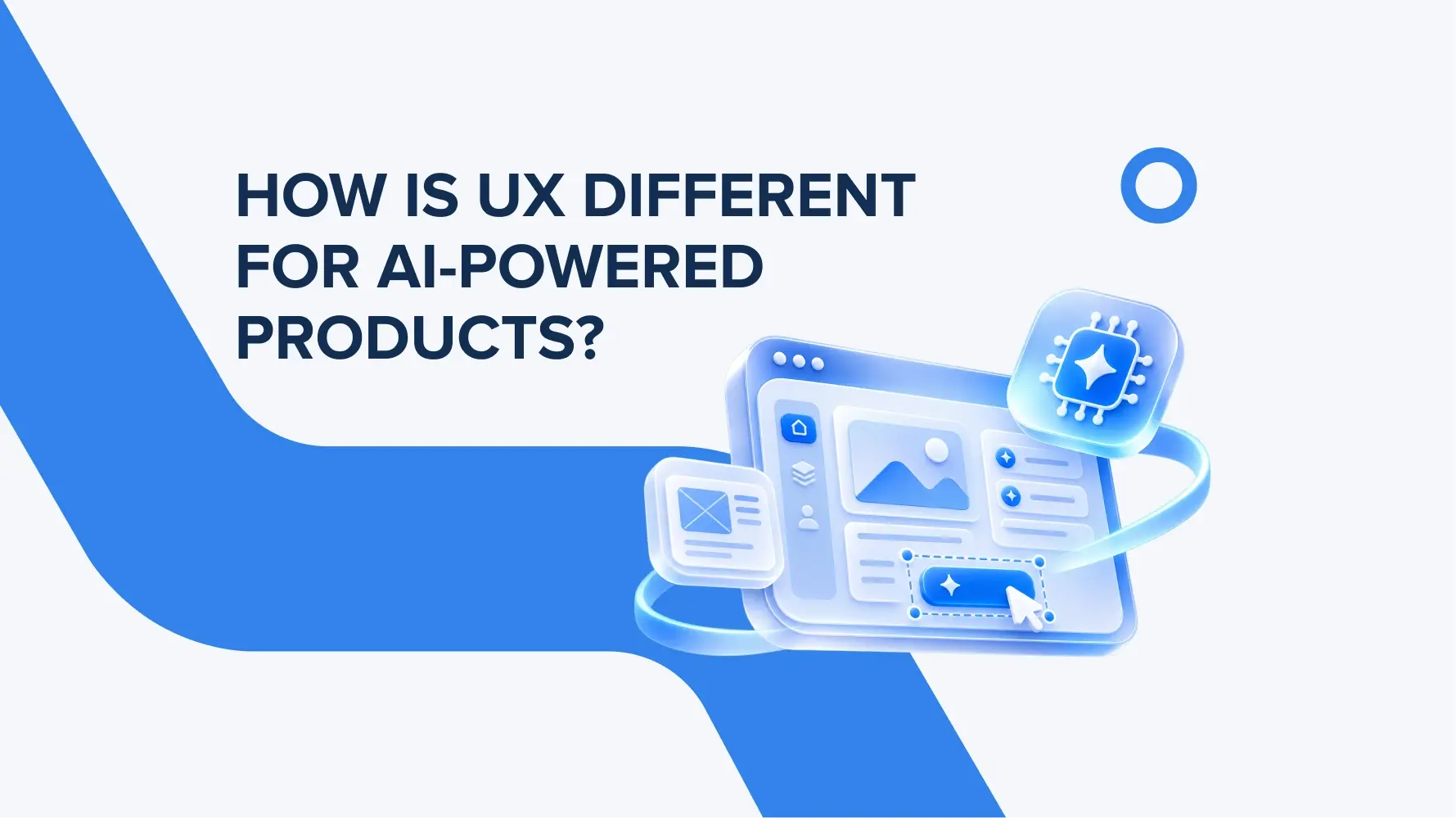
How does AI UX design differ from traditional UX?
AI UX design has a more complex background as it considers probabilistic outcomes, uncertainties, and model errors. In a traditional interface, actions have a concrete and pre-defined outcome. Generative AI can respond differently to the same query.
That affects the UX designer role today and workflows around AI product design. They work not only on the pretty interfaces and user journeys but also on data relevance and accuracy, mistake corrections, and the output variants. Controls, navigation, and the consequences of user actions should remain predictable.
That is exactly how we worked on the EZRS case, where the design team created a design for an AI-augmented platform, taking into account more complex factors and the AI environment to deliver clear and user-friendly UX design.
How should one design interfaces for the unpredictable outputs generated by AI?
For unpredictable AI responses, design separate states for data generation, gradual text display, uncertainty, errors, and no results.
When streaming data, indicate that the response is still being generated and allow users to stop the generation process. If data is missing, suggest that the user clarify the request. For an inaccurate response, provide the option to edit it and report the issue. For a technical failure, offer the option to retry. When designing AI interfaces, explain an empty result clearly and suggest an alternative way to complete the task.
As you see, it doesn’t matter what result is on a screen; you should explain to the user everything that’s going on behind the scenes. Skipping this may lead to leaving out the platform full of uncertainties and not understanding how AI works.
How can user trust be built in features powered by AI?
To build trust in AI features, follow a human-centered AI approach and explain every AI action to the users. During onboarding, show what tasks the system performs and when the results need to be reviewed by a person.
Explain what data influenced the recommendation they get, and include links to supporting documents. Use confidence indicators only when a verified estimate is available, and explain their meaning as well. Google PAIR recommends verifying whether such indicators actually help with decision-making: a percentage on its own can create a false sense of certainty.
When is it appropriate to use a conversational interface or an AI assistant?
Conversational UI design makes sense when users need to explain a complex input to the system. Like, to find a specific item, answer a question, or do a concrete action. In this case, Copilot works well as an assistant in a work environment, such as for drafting a text or analyzing a document. For short and repeatable actions, tips, autocomplete, or smart filters in the familiar interface can be a good option.
How can users be given the ability to control the decisions made by AI?
Control over AI is ensured by confirming important actions, editing results, undoing changes, and the ability to disable automation. For AI agents, display the planned action and its consequences before execution, especially before making a payment or sending a message.
Include an “undo” option where changes can be reversed. Place a usefulness rating and the option to describe an error next to the response. Microsoft recommends making it easy to correct errors and providing general settings for AI behavior.
Conclusion
UX for AI products helps people use technology whose outcomes are not always predictable. Its goal is to make the interaction understandable and manageable, while preserving the ability to evaluate responses and influence the outcome. A high-quality AI experience is defined by how naturally the technology fits into a person’s workflow and helps them achieve their goals.