WEB and Mobile App Accessibility: Best Practices for Inclusive Design
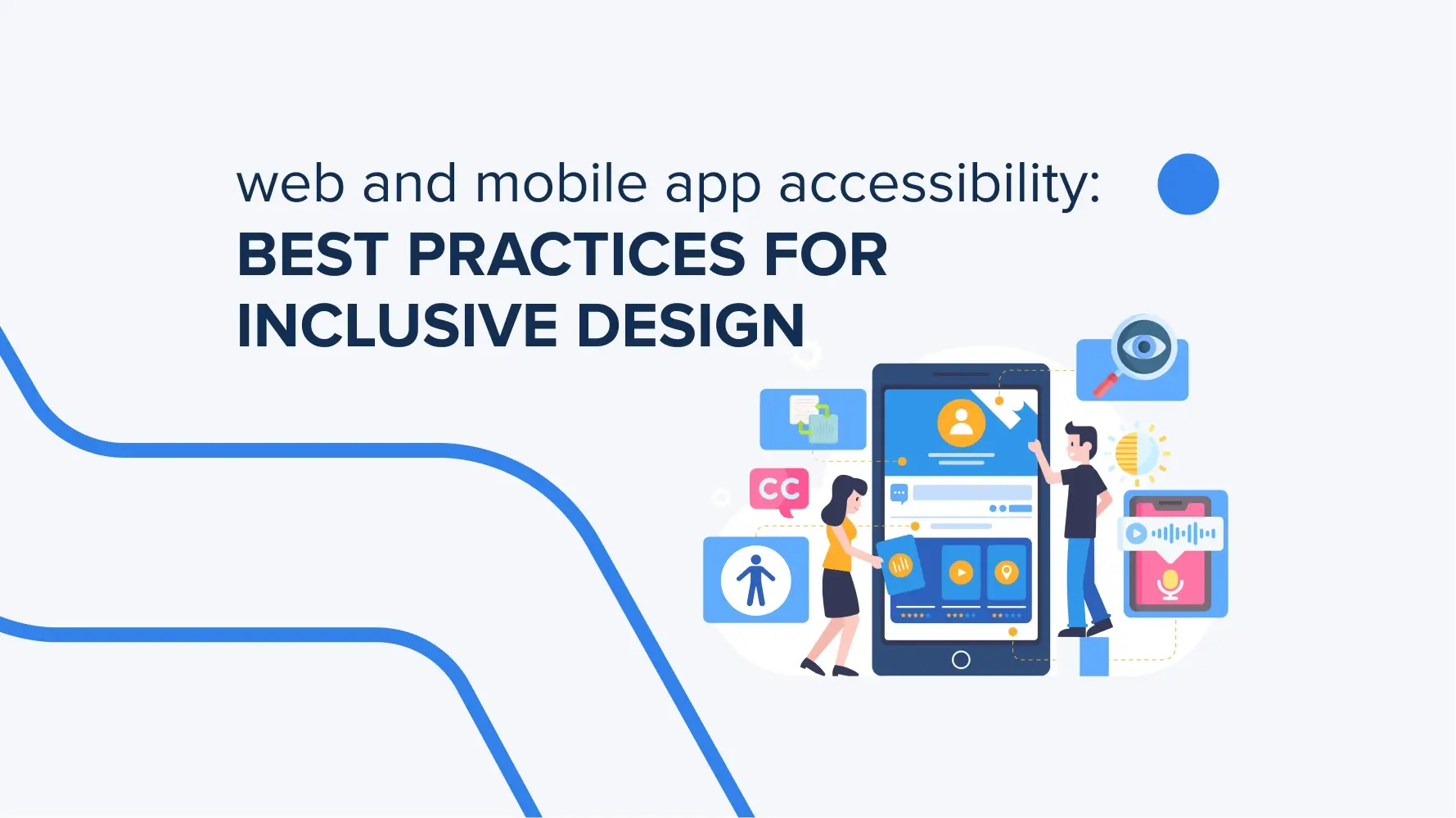
This article highlights the key takeaways from the new web and mobile accessibility standards under the European Accessibility Act. Discover the changes it introduces and see how TRIARE helped a client adapt their website to comply with the new rules.
European Accessibility Act 2025 and what it means for your digital presence
The European Accessibility Act came into force on June 28, 2025. Any business providing products or services in the EU must now comply with digital accessibility requirements, wherever they’re based. If you are just on your way to preparing your product for market launch, it must already comply with the EAA requirements. If your website or app was created before the current act came into force, you have until 2030 to adapt your products to its accessibility requirements.
Here’s what the EAA now requires for businesses with a digital presence in the EU:
- Web and mobile app accessibility. From now on, all websites and apps must meet accessibility standards, including WCAG 2.1 AA. All the content should be perceived in multiple ways, have easy navigation via keyboard, and be compatible with assistive technologies. Like, voice assistants, font size, etc.
- Accessible digital products and services. E-commerce platforms, banking services, transportation apps, and similar digital products must be usable by people with disabilities. New interfaces must help people use digital products and get proper services.
- Accessibility statement. Businesses must publish guides and other materials on how their products comply with the EAA.
Compliance monitoring. Business owners should regularly check their products to stay accessibility-compliant. It’s enough to analyze users’ feedback and focus on their needs.
What does accessibility mean in web and mobile app design?
That means that every person who has disabilities can easily use websites and mobile apps to get what they want. For instance, pay bills through a banking app or buy things on e-commerce platforms. In terms of inclusive design, it means that every user must have an opportunity to listen to the text if they cannot see it, use font options to make the text bigger and read it, or navigate any online platform with the help of a keyboard. It’s just a little part of the inclusive design principles businesses can follow.
Here is a detailed list of what accessibility includes in web and mobile app design:
- Visual impairments: use of screen readers, text contrast or color, alternative and full text for images.
- Hearing impairments: subtitles for videos, text descriptions of audio content.
- Cognitive impairments: understandable navigation, clear content structure, simple and intuitive interface.
- Physical impairments: support for navigation using a keyboard, voice commands, or alternative input devices.
Those are the basic things that can help adapt web and mobile designs to EAA. What makes sense here is that inclusive design can not only help people with disabilities but also improve the experience for other people. They can, in the same way, use voice assistance or change font size and color. Especially those who have temporary health issues, like an injury.
Why is inclusive design critical for digital products in 2025?
At first, this is what the European Accessibility Act requires from businesses working in the EU in 2025. It became a standard for everyone who creates digital solutions across industries. On the other hand, according to data from the World Health Organization, more than 1 billion people worldwide have some form of disability. Inclusive design principles allow businesses designing accessible digital products to serve this huge group of people.
Why else is inclusive design so crucial for web and mobile app accessibility? Here are more critical points.
- Inclusive design principles can improve the product’s usability for all users. Like, for those who have serious disabilities and who have temporary injuries. This way, you are not only adapting to new requirements and rules but also improving your whole product. It’s a kind of update that makes an overall positive impact.
- Companies that invest in inclusive design strengthen their reputation in the market, attract new clients, and increase the loyalty of existing ones.
- Inclusive design promotes equal opportunities for all people. Doesn’t matter whether their physical abilities, age, or cultural background. It’s a positive step toward creating a more inclusive and equitable digital world. What every human deserves.
In 2025, inclusive design is a strategic must for businesses aiming to thrive in today’s digital landscape. Not only comply with current accessibility laws, but also be open to people who need to get the same online services as people without health issues.

Which accessibility standards and guidelines should developers follow?
There are two main guidelines that developers should follow to meet current accessibility requirements in digital product design. There are the European Accessibility Act (EAA) and Web Content Accessibility Guidelines 2.1. Let’s move on to the details.
- European Accessibility Act (EAA). It requires companies to make their digital products and services accessible to people with disabilities. It covers the key requirements and business areas that must be complied with first.
- WCAG 2.1 (Web Content Accessibility Guidelines 2.1). This international standard offers guidelines to make web content more accessible for people with disabilities. The standard includes 13 guidelines organized around the four key principles. There are perceivability, operability, understandability, and robustness. Each guideline has success criteria at three levels: A, AA, and AAA. To achieve compliance with the standard, the AA level criteria must be met as a basis.

How can color, contrast, and typography improve readability for all users?
Color, contrast, and typography are the best workable ways to highlight important information and give a sign that this is a part of text that provides a key thought or links to other sources of information. Or to divide content blocks so users can easily navigate the website or mobile app and find what they need faster. These design components shouldn’t serve as just a part of the design, but perform a specific task.
So, how do they improve readability for all users? Here is the answer:
- Contrast makes text easier to read in different real-life conditions. Like bright sunlight, low screen quality, or for people with vision difficulties.
- Color can’t always be relied on, whether someone has trouble distinguishing shades, their eyes are tired, or similar colors blend together. That’s why it’s important to add extra cues, like explanatory text or icons.
- A clean and simple font improves readability as well as scalable text. It helps people with vision problems, and is also great for tired eyes or for people who read in the dark in the evening and find small fonts hard to read.
- Text structure and spacing make content more digestible and guide the reader. It’s like a roadmap where you don’t have to read everything to find what’s important.
Recently, we worked on web design improvement, where text color and contrast were issues to solve. It was connected with search bars that should be accessible to use for people with visual issues. It wasn’t enough contrast there, so people don’t understand that it’s a field where you can put a word and find information blocks faster. At that moment, that was a blind area, so we worked on its improvement, both its contrast and placement, to easily find.
What role does keyboard and screen reader compatibility play in accessibility?
Screen readers and keyboard navigation are the best assistants for people with visual disabilities. They help to work with the content on a webpage or in a mobile app, even not seeing it. With screen readers, users can listen to the text through specific tools that scan the info from the page and produce it aloud. The keyboard works as a navigation tool, but without the mouse. It is also a useful thing for people who can see the screen but don’t want to use a mouse.
In simple terms, screen readers are special programs that “read” the content of the screen and convert it into a synthesized voice or Braille. They analyze the HTML page code in seconds and read aloud elements depending on their semantics. Headings help users quickly move between sections, ARIA attributes clarify the role of custom components, and error messages or pop-ups can be read out automatically. To make screen readers work properly, you need clear headings, image descriptions, and well-prepared texts for buttons or notifications.
Now, move on to the keyboard navigation. Thanks to it, all interactive elements can be accessed via Tab, and Shift+Tab moves in the opposite direction. The selected element can be activated using Enter or the space bar. At the same time, the focus area should always be visible so that it is clear which element the user is on. For instance, special contrast, text highlighting, frames, etc. It lets users navigate the site without a mouse, which is vital for people with motor impairments and handy for keyboard fans.
Keyboard navigation was an additional point that the TRIARE team has worked on so far. There wasn’t an option to navigate all the content on a website, and accordingly, no visual apparent which page element has current keyboard focus. This issue we also solved using dev tools and inclusive design principles.

How can mobile apps be optimized for users with motor impairments?
In terms of optimization, meeting EAA standards, and helping people with motor impairments, mobile apps’ requirements include the following:
- Simplify text entry and gesture recognition
For this purpose, use simple gestures such as single taps or swipes instead of complex combinations. This will simplify interaction for people with limited hand movement. Another smart way to simplify app usage is to add alternative input methods. Such as voice commands or support for switch devices.
- Increase control size
To do so, make buttons, links, and other interactive elements big enough to click easily. Also, make sure that there’s a reasonable distance between elements so they don’t look like one big canvas. This will reduce the risk of accidental clicks as well. The recommended minimum size is 44×44 pixels on iOS and 48×48 dp on Android.
Remember to involve users with motor impairments in your app testing. This will help identify potential problems and get feedback on usability. Based on the data collected, you can improve your app to meet both people’s needs and mobile apps’ requirements.

What are the best practices for designing accessible multimedia content?
Designing accessible multimedia content includes adding subtitles for video and audio materials, descriptions to them before listening, keyboard navigation, and control. These are the basic but vital actions that meet WCAG 2.1 standards and inclusive design practices. Here are more details on them.
- Adding subtitles and transcripts
This helps users with hearing impairments (or anyone watching without sound) understand the content.
- Audio and video descriptions
For videos that contain important visual information, add a descriptive audio track. This helps users with visual issues get a complete picture of the visual content. Add short verbal descriptions of key visuals – people, actions, expressions, locations, and more.
- Ensuring keyboard accessibility
First, make sure that all multimedia content controls are accessible via the keyboard. Like, play, pause, volume, etc. Then, ensure that these controls are intuitive for everyone. For example, the Enter button to play, the space to pause, and so on. This is essential for users with movement difficulties who can’t use a mouse.
How can developers test and validate accessibility effectively?
To validate accessibility, use appropriate dev tools, manual testing, and test everything you do on real users. It’s a complex work that starts with learning the WCAG 2.1 (Web Content Accessibility Guidelines) standard. The TRIARE team used the same principle while adapting a client’s website to EAA requirements.
To do all right and get accurate results, we recommend doing the following:
- Use automated tools
They’re good at spotting obvious problems, like the lack of alternative text for images, color contrast issues, and forms without labels. This lets you avoid manually reviewing thousands of images, ensuring accessibility for users with visual impairments.
- Manual testing
Manual testing allows you to identify nuances that may be invisible to automated tools. This includes checking keyboard navigation and screen readers. This helps quickly verify keyboard navigation, mouse-free interaction, and proper voicing for visually impaired users.
- Testing with real users
The most effective way to assess accessibility is to get feedback from real users. Especially those for whom inclusive design is created – people with disabilities. This is also a convenient way to see problem areas that can be assessed by users themselves, since everyone uses websites and mobile apps in absolutely different ways.
What tools and frameworks support accessible web and mobile development?
These are the main tools that really help improve accessibility for web and mobile apps.
|
Accessibility Testing Tools |
|
| Axe DevTools Linter | A tool for checking code for accessibility issues directly in the IDE and CI/CD. It helps quickly identify weaknesses with accessibility to solve them right away. |
| Lighthouse | A tool built into Chrome DevTools for automated auditing of web pages, evaluating performance, accessibility, and SEO. |
| BrowserStack | A cloud platform for testing accessibility on over 3,500 real Android and iOS devices, allowing you to evaluate the behavior of your application in real-world conditions. |
| Google Accessibility Scanner | A tool for Android that scans UI components and suggests improvements for accessibility. |
|
Accessibility Frameworks |
|
| Axe for Android and iOS | A tool built into mobile development environments to fix accessibility issues in Android and iOS apps. |
| NativeScript | A framework that provides native API access and accessibility features for iOS and Android. |
How does accessibility improve user experience and business success?
Accessibility improves user experience and business success by reaching a wider audience – more than 1.3 billion people worldwide with disabilities. It increases convenience for all users, improves SEO, strengthens the brand by demonstrating social responsibility and customer loyalty, and helps comply with legal requirements and reduce legal risks.
As for TRIARE experience, our latest work on adapting the client website to EAA requirements helps the client meet the new market rules and open up new possibilities for people with disabilities. From now on, users can easily navigate content using the keyboard and understand what visual elements and images represent through detailed descriptions. In addition, we improved inclusive design by choosing specific colors, adding explanatory texts for each button, and enhancing contrast. This makes keyboard navigation intuitive and helps users quickly find elements, move between pages, or complete forms.
All these together affect on client’s reputation and their willingness to create an online space where everyone can find what they want and get quality service easily, even without the help of other people. That’s a solid foundation for business success and user experience.
Conclusions
New accessibility requirements aren’t just a set of rules but also an opportunity to make your website or app easier to use for everyone. This starts with analyzing your product and identifying areas that need improvement. Using the European Accessibility Act and WCAG 2.1 AA standards, you can pinpoint these areas more quickly and accurately.
At TRIARE, our experts have already studied the act’s requirements and applied them to a client’s website. Since these rules affect every business offering digital services in the EU, we can help you adapt your products to be user-friendly and accessible for people with disabilities, and all other users as well.
The act is now in force, so it’s time to make changes. Let’s make them together!