Product Page Design: UX Mistakes That Lost Your Conversions

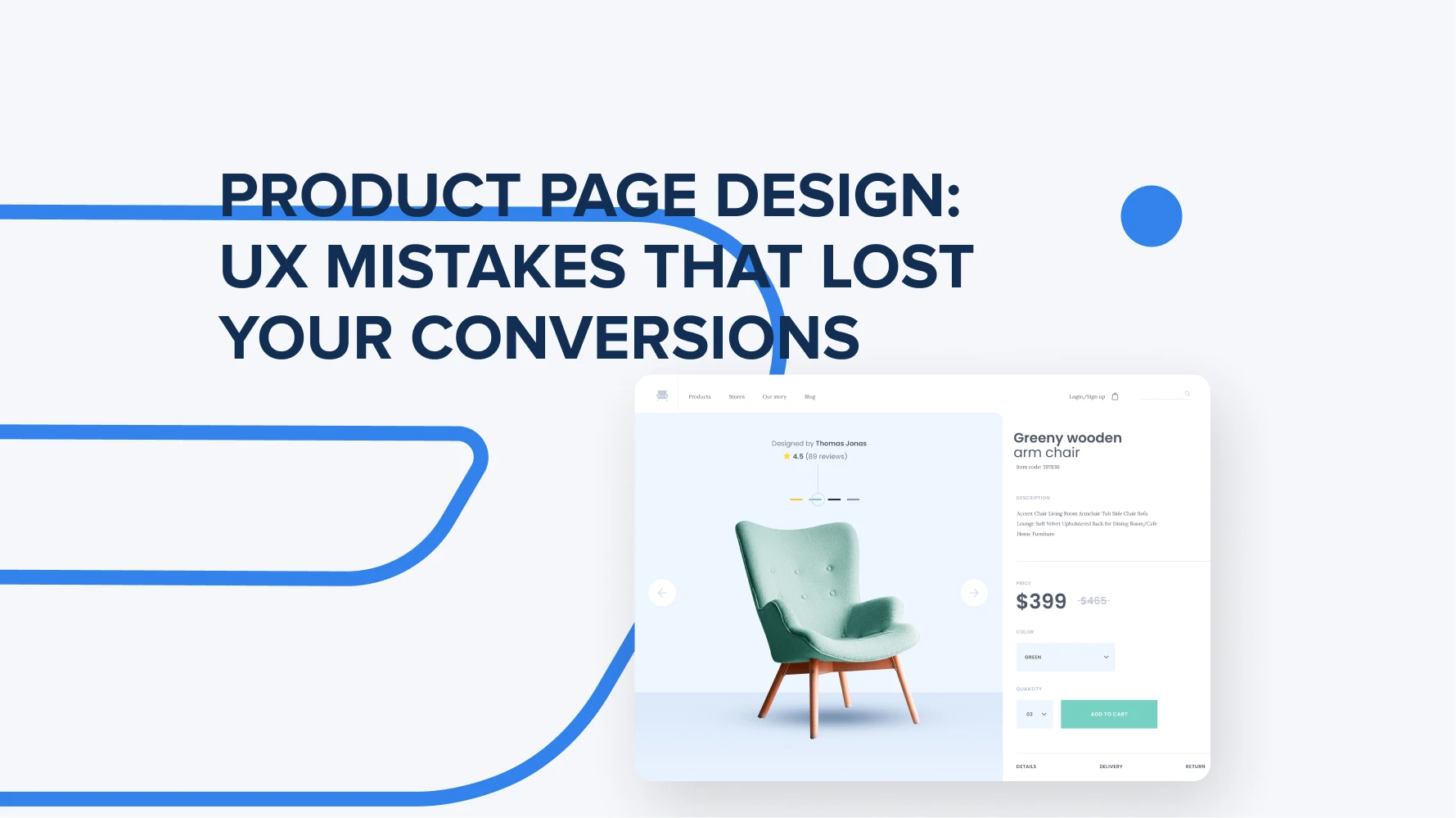
Product page design is the first thing that users see when they click on a specific item they want to buy. Some businesses put a lot of effort into making these pages eye-catching, but some make common mistakes that hurt their marketplace conversions. To help you convert your users into loyal customers, we gathered here a list of UX mistakes to avoid and steps to take to boost your product page quality.
What is product page UX?
Product page UX maps out how every type of user actually navigates and uses it. How easy for them to find the information they need, look through the media materials, and finally order the item. From this design part depends if user decides to buy a specific thing or not.
Smart product category page design is kind of a must if you’re running an e-commerce marketplace with tons of products. Every card has to be super easy to get, look good, and make people actually want to click and buy. The smoother the whole journey feels, the more likely people are to convert. That’s why businesses put so much focus on UX when building marketplaces – it directly impacts sales and boosts conversion rates.
To break it down, this is what goes into a strong product page website design: visual product presentation, clear information, compelling content, trust, ease of use, speed, and mobility.
Here are some numbers that show big brands’ experience with well-designed product pages that boost their revenue:
- Walmart: +20% conversion rate after a mobile UX redesign.
- Braxley Bands: +40% overall conversion rate after a comprehensive UX redesign.
- Crossnet: +20% Add-to-Cart rate after improving the product page UX.
- Wayfair: +18% conversion rate and –25% bounce rate after a product page redesign.
How does product page UX design relate to conversion rates?
Attractive, well-thought-out product cart page design directly affects conversion rates because how smartly it’s designed affects how users feel and how far they’ll go on the page before hitting “buy.”
When there is a smart structure, easy page navigation, clear CTA, and a few attractive visuals – there are no bottlenecks for users to browse the item card, and the chance to sell it goes up. The key thing to get is that good UX lets users instantly grasp what the product is, why it’s worth it, how it gets to them, and what’s guaranteed. The less they have to hunt for info or overthink, the more likely they are to buy it.
Top product page UX mistakes in 2026: TRIARE team insights.
We’ve got extensive experience crafting smart, business-driven UX, helping companies create product pages that not only look great but actually drive results. In e-commerce, where a huge chunk of work goes into a single product page design, we still see the same mistakes popping up from the very first design steps. Most of the time, it happens because businesses try to cram in as much info as possible, without a clear structure or understanding of user behavior. How do users scan the page? What info grabs their attention first? Which types of content actually make them want to buy?
We tackle this head-on by creating well-structured product pages that balance eye-catching design with a smooth, intuitive user journey. Below, we break down the top product page UX mistakes you should watch out for and avoid.
On average, it takes about 35 UX improvements to bring a website’s product listings up to a good, usable standard. (Baymard Institute)

Cluttered layouts: Too much information.
This is the most common mistake that every other business makes. They put a lot of information on one page, thinking that this helps to know more about the item and motivates to buy it. In a real-world scenario, this does not work.
One page should present one single product, its description, visuals, feedback, and additional information presented in a well-structured way. If a user lands on a page and sees everything except the info that actually helps them decide, they’re not going to spend ages digging through irrelevant data. Or if there’s any confusion in understanding the page logic, even with just the essential info, it can still hurt the user’s perception.
Don’t hide the price, put only important data in specific blocks, make sure your CTA buttons stand out, and your images catch the eye.
Poor product images and a lack of visual context
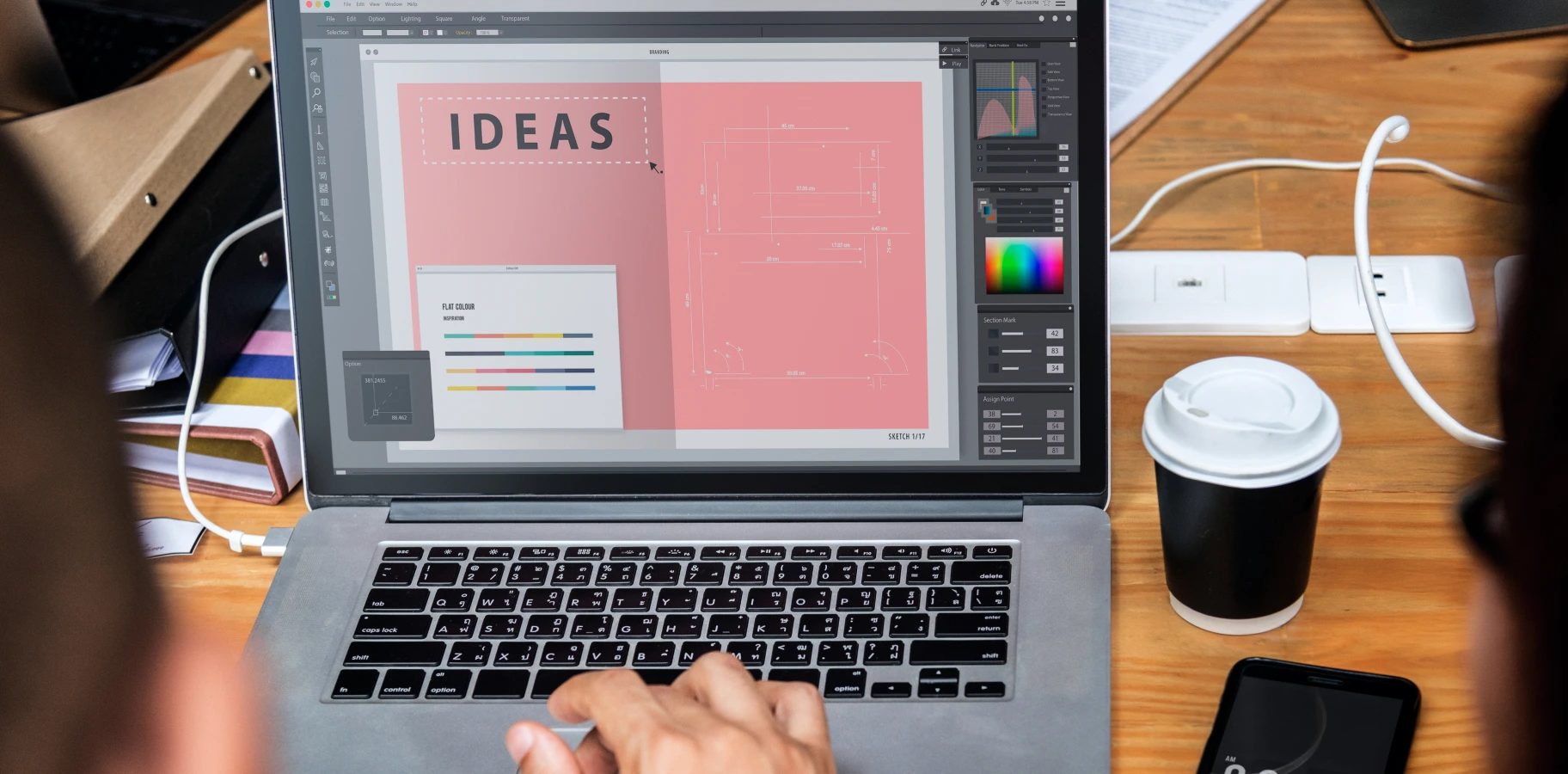
People are always scanning for something that grabs their attention when browsing marketplace items. Even if your product is amazing, poor-quality visuals kill the desire to buy. Not showing it in real-life contexts makes it even harder to convert users into buyers. That’s why pictures on a white or black background don’t work in 2026.
For example, if there is a watch, show it in close-up shots with macro details. Or better – show how people wear them, what outfits, occasions, or events they fit into. It helps users imagine themselves using or wearing the product and see how it would actually fit them. An emotional bond is created, and the motivation to get it also rises.
According to the Baymard Institute research, “Human Model” images can furnish a more comprehensive picture of the product and inform users about its visual qualities, helping them decide whether the product is suitable for them.

Weak or unclear call-to-action buttons
Call-to-action buttons are small but powerful assistants for every business, not only marketplaces. One tiny mistake in their placement or design, and it can cause conversions to drop. Speaking of the most common cases we’ve seen, there are wrong CTA button placements, bad color choices, and weak text on them.
The CTA button needs a clear message, whether it’s “Buy” or “Add to cart.” Users should instantly know what to do next after browsing a product. If you want them to buy – just say it.
Next, its placement and design. The button should appear exactly where users expect it. What about you? Where do you expect the “Buy” button to be when browsing a product? At the top above the product title? Or buried at the bottom after reviews? Of course not. Users follow predictable patterns, so the CTA should sit alongside the product card and price, right where it makes sense.
That’s the logical setup. Then, make it stand out with a clear shape and eye-catching color. That way, users spot it immediately, and it directly boosts your conversions.
Difficulty finding product information
If users struggle to find key info on a single product page, like price, specs, availability, or shipping – they’ll bounce fast. Because based on this information, they start thinking further – if the price matches their budget, whether they can pay after it ships, or if they can actually buy it right away since the item is in stock.
According to the Akeneo survey, the second most common barrier to online shopping (after product unavailability) is difficulty finding product information. Thus, a well-structured page with clear sections and highlighted essentials builds trust and makes people more likely to buy.
Slow page load speed and its impact on customer behavior
Slow page load speed irritates users and increases their run-off. That’s it. That’s what you actually need to know. Especially when they browse your marketplace on smartphones. Do you know what time delay affects the bounce rate? Only 3 seconds. Yep, they will go if the item they click on doesn’t show up after just 3 seconds. So, it doesn’t matter how much effort you put into the product category page design if it loads so slowly.
As Google says, 53% of mobile users leave a website if a page takes more than 3 seconds to load, and a delay of just 1 second can reduce conversions by 7%.

Poor mobile product page optimization
As we said above, most people browse your websites via smartphones, on the go. So, the mobile-first design approach should take top priority before the full-fledged development process. If there is poor mobile optimization, your website’s conversions will take a hit too. Because if a product page isn’t mobile-optimized, elements can look tiny, text becomes hard to read, and buttons might not work properly. Working together, these issues make users leave fast.
Complex checkout paths starting from the product page
To explain how these mistakes impact conversions, imagine yourself in a supermarket. Let’s say you need to buy a pack of milk, but you can’t go straight to the dairy department, take it, and buy. First, you need to walk around the whole supermarket, ask a few managers about where to find the milk (even if you exactly know where it is), then fill out the customer form, and only after this, you can take it and finally buy. Does that scenario sound good to you? We’re guessing not.
The same thing happens when a user is ready to buy, but a confusing or frustrating checkout process turns it into a real quest, and they end up bouncing. You did a great job grabbing the user’s attention, designing the stunning product pages, but failed at the last but most important step – checkout. Remember, the two key moments in selling are the first impression (to hook the user) and the last one (when they place the order). Nail both, and your conversions can skyrocket.
Lack of trust signals: Reviews, ratings, and guarantees
Not having reviews, product ratings, or guarantees lowers user trust and hurts conversion rates. Users are less likely to buy a product if they don’t see confirmation of its quality or the safety of the purchase.
If there aren’t any words from other users, maybe the product is bad, or it doesn’t make sense to buy it? This is what users think when they don’t see reviews or ratings. Well, some products may not have written reviews because people prefer to rate them quickly, just click on five stars, and that’s it. And if there’s no rating, that can turn users away, too.
The GoodFirms survey “How Online Reviews Are Influencing Consumer Buying Behavior Across Industries Globally” (2026) shows that 97% of consumers believe that online reviews influence their purchasing decisions. This means that nearly every customer considers reviews before making a purchase.
How to fix product page UX mistakes and improve conversion rates? TRIARE insights.
To create the best product detail page design, just avoid the mistakes we’ve disclosed above and follow these steps all along the design process:
- Create simple and clear layouts to avoid clutter on the product page. Go for the golden medium – one product, one core piece of information about it, placed in a proper structured way.
- Use only high-quality images and show the product context through its everyday use. Add multiple product views, videos, and a zoom feature so users can see the actual product.
- Place clear CTA buttons with a large size, prominent, and with text that says clearly what the user should do (“Buy Now,” “Add to Cart”).
- Ensure easy access to core information. For this, organize specifications, descriptions, and technical data into intuitive tabs or sections.
- Always put load speed optimization as the top priority. Compress images, minimize scripts, and use a CDN for fast loading. Keep in mind, even the most stunning page design won’t matter if it loads too slowly.
- Think about mobile optimization. Test all page elements on mobile devices to ensure text, buttons, and images are easy to view and click.
- Design a simple and short checkout. Confidently reduce the number of steps, add auto-fill forms, and allow guests to buy without registration.
- Boost users’ trust through signals. Like reviews, ratings, guarantees, and security badges (SSL, certificates).
- Run ongoing testing and analytics. To know what works better and what should be improved, track user behavior, run A/B test different page versions, and continuously improve UX.
- Add personalization and recommendations. To give each user a personalized experience with products they’re most likely to choose, display similar products, accessories, and “popular among other shoppers” items to increase the average order value.
Conclusion
Great UX on product pages directly boosts your business results – clear navigation, clean layouts, and strong trust signals help users feel confident and make purchasing easy. By focusing on intuitive design, fast load times, and things that affect user perception and desire to buy, your company can increase sales, keep users coming back, and make your marketplace more effective than ever.
To find out what’s working on your website right now and spot areas that need improvement, reach out for a short UX consulting session. We’ll help your marketplace start driving more revenue and attract new users.