How to Integrate AI Into Existing Software: A Practical Guide for Businesses
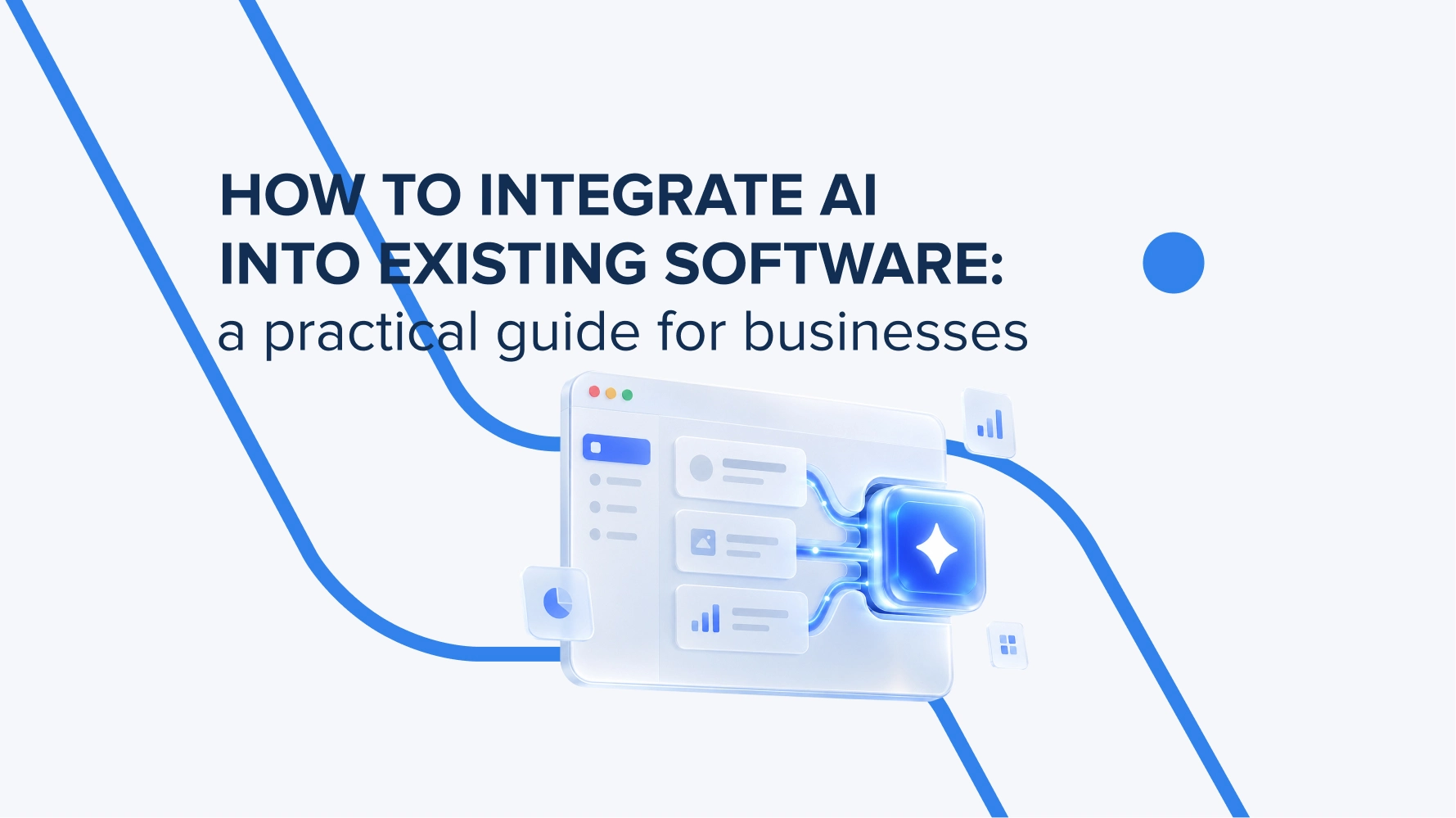
AI can help your existing software process documents, answer customer questions, and reduce manual work. This guide explains how to prepare your systems and data, connect AI models and agents, and manage the costs and risks of integration.
What is AI integration for business?
AI integration is a development process in which AI capabilities connect to software, data, and company internal processes. This helps users get tips, analyze information faster, or perform some tasks in the systems they already use and that are familiar to them.
AI integration in business requires a specific set of technologies. Demand forecasting can rely on machine learning models, document recognition on image processing, and generative AI integration adds text generation, summarization, and user interaction. You don’t necessarily need a custom-trained model. In many cases, an existing model can be integrated via API.
According to McKinsey research they published in August 2026, nearly nine out of ten respondents report regularly using AI in at least one business function. At the same time, 44% say their organizations are scaling AI company-wide. (The survey included 1,719 participants from 97 countries).
The key question for businesses before AI integration is which processes the integration will improve. Shorter response times, less manual data entry, or faster document searches provide a clear basis for evaluating the results. The next one is how to integrate generative AI into applications and what data it requires. We’ll cover this in the next sections.
How is AI used in business?
Businesses use AI for data analysis, document processing, service personalization, and to automate routine workflows. This is a common list; more accurate use scenarios vary within industries and business types. The practical use scenario depends on where the team wastes more time and what data the internal systems already keep so AI can use it. AI integration in business also touches the following processes:
– CRM and Sales. AI can summarize incoming letters, identify customer requests, and draft the answers that managers only check.
– ERP and Financial Operations. The model can extract details from invoices and suggest expense categories.
– LMS and Corporate Training. The assistant can find explanations in approved training materials, respond with links to lessons, and help instructors prepare exercises.
– E-commerce. AI can support natural-language search and product selection based on the buyer’s needs and previous behaviour.
– Customer support. AI can identify the inquiry subject, suggest a response, and forward complex cases to a support agent with a brief context summary. You get a completed document that needs only human verification.
When deciding how to integrate AI into your business, start with a defined repetitive task and provide the correct data so AI processes it and generates accurate results. This approach helps justify future investments with tangible results.
What do you need to know to prepare software for AI integration?
Before AI integration in business, you need to check a few important points:
– data availability,
– connectivity options,
– access policies,
– the system’s ability to handle the new workload.
This assessment helps you figure out what can be used and what needs improvement.
First, map out the current workflow you want to improve with AI – who initiates the process, where the data comes from, where delays happen, and who makes the final decision. It must be a full typical scenario for a routine task. At this stage, it also makes sense to measure things like response time and how often corrections are needed. It can give more information on the manager’s involvement in the process and how much time AI can save.
Next, check CRM, ERP, or LMS API’s, documentation, and request limits. If there is no ready-made interface, you may need a separate integration module or a controlled file exchange.
Then evaluate the data you have for accurate AI integration. Are customer identifiers consistent? Are the documents up to date? Are their owners known? For personal and confidential information, specify the permitted methods of processing, retention periods, and the list of services to which it may be transferred.
After this, prepare a testing environment where the changes can be managed and improved. You’ll also need server-side API key storage, logging without unnecessary sensitive data, and a backup plan in case the model becomes unavailable. The user must be able to complete the task or transfer it to a responsible employee.
At the end, you get a list of changes, access permissions, and acceptance criteria. With this data on hand, the development team can move to the development and integration stages.
What are the key stages of integrating AI into existing software?
Generative AI integration into existing software goes through a few phases with precise monitoring at each of them. The key steps (or tasks) in this process cover the following list.
Define the business objective
Choose one specific process, its performer, needed data, and a success metric. Based on this, AI will understand what exactly to process and what actions to take to perform the tasks without human involvement.
Review systems and data
Assess all data you have – APIs, access rights, document currency, and limitations. As an outcome, you’ll get a dependency map and a list of necessary preparatory work.
Design the solution
Define the model, context sources, method for verifying results, and points of human intervention. This data helps you design the architecture, define the scope of the first version, and provide a preliminary cost estimate.
Test the prototype
Use representative examples, including incomplete, conflicting, and atypical requests. At the end, you’ll get clear data on quality, speed, and cost to decide whether further development makes sense.
Implement integration
Connect the necessary systems, interfaces, permission checks, error handling, and monitoring. The result is a feature that users can use in their familiar work environment.
Conduct testing
Verify security, load, and performance in real-world scenarios with a limited group. This helps you validate acceptance criteria and a list of fixes before expanding access to the whole team.
Launch and maintain
Gradually increase usage, train the team, and track errors.

How to handle data integration for AI?
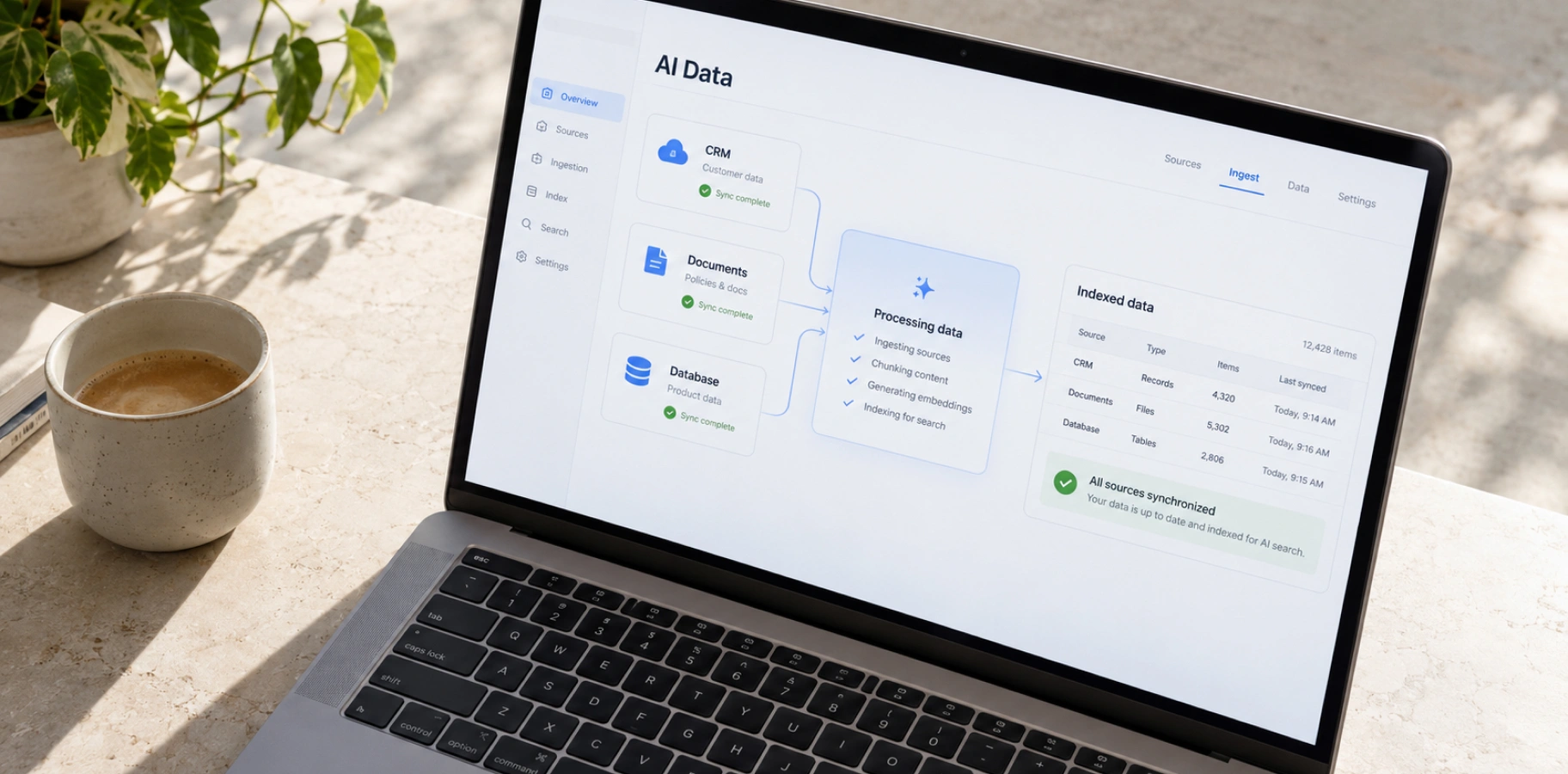
AI data integration must be organized so that the AI model gets relevant, accurate, and authorized data for a specific user. To do so, the sources of information, as well as the rules for its preparation, updating, and access, must be defined in advance.
The first logical step is to agree on which system is responsible for each type of data. For example, the CRM stores contacts, the ERP – payment status, and the knowledge base – service rules.
For working with text materials, you may use the RAG technique. The system first finds the relevant fragments and then passes them to the model to generate a response. Documents are divided into content-based segments. For content-based search, developers create embeddings (text converted into numbers and stored for search).
But not every integration requires a vector database. It is advisable to retrieve the current balance, total debt, or order status via a controlled API from the relevant system. A cached data copy may be updated with a delay.
Make sure updates and deletions stay in sync, with links to the original sources. Verify access rights before transferring information to the model. An employee should not receive documents via AI that they cannot view in the standard interface. For AI agent integrations, these same rules must apply every time an agent accesses the source.

How to integrate Large Language Models into existing applications and software?
The Large Language Model can be integrated via a server-side component that adds the needed context, sends the request to the model, and checks the result. The application retains control over the data and business rules.
The model is tested against custom scenarios. Different solutions may be required for classifying short queries and analyzing complex documents. Compare performance across the required languages, response time, cost, the amount of available context, and data processing conditions. Deployment on your own infrastructure is also possible but requires dedicated resources for operation.
Define the instructions: the model’s tasks, information sources, desired format, and behavior when data is unavailable. AI data integration provides the necessary context. For example, in an LMS, the model receives an authorized course snippet, and for an order response, it receives the current result of a query to the CRM.
If the response needs to be recorded in the system, use a structured format. Structured outputs in the Anthropic API allow you to specify a field schema, such as the subject of the request and its category. Compliance with the format does not guarantee the correctness of the content: the code additionally verifies values and business constraints.
To access business functions, you can use tool calling: the model generates a request to invoke an authorized tool, and the server verifies the parameters and permissions before execution. API keys remain on the server.
Check for empty responses, model rejections, limit exceedances, and delays. Set up version control for instructions and recurring quality checks to ensure that model updates do not change the product’s behavior without the team’s knowledge.
How to manage AI agent integration to automate workflows across systems?
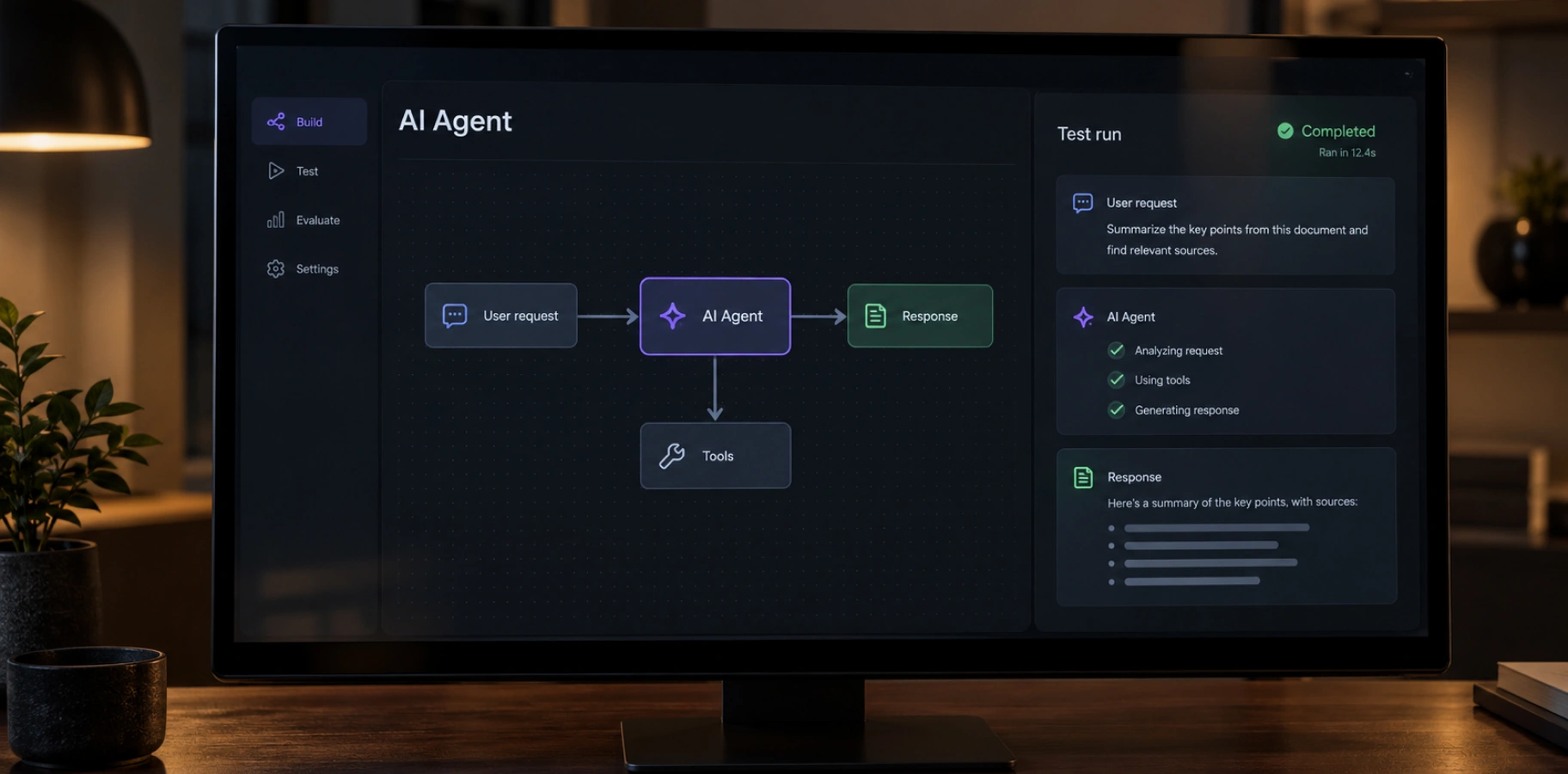
AI agent integration requires a clearly defined task, authorized tools, and rules for performing actions across systems. The agent can choose the next step based on the results it receives, while the application controls its permissions and the boundaries of the process.
Start with a list of specific actions: “check status,” “create a task,” “draft a message.” Each tool should clearly define its inputs, access limits, and expected result. There is also no need to give an AI agent full access to the database or an administrative account; only what is required for task performance.
Integration can be implemented via an API or the Model Context Protocol (MCP). MCP standardizes communication between the AI application and the servers that provide tools and context. It doesn’t replace business logic, permission settings, or security checks for a specific connection.
For AI agent integration, specify the maximum number of steps it should take, execution time, budget, and stop conditions. It will serve as a set of rules for the algorithm that is triggered for every task. Save the process state so the system knows what’s already been completed if an error occurs. Protection against re-execution should prevent duplicate tasks or payments.
Finally, evaluate the entire workflow. Was the goal achieved? Were the correct changes made to the systems? How many times was human intervention required? If the steps always follow the same order and the rules are clear, standard automation may be easier to manage.
What are the risks of AI integration, and how can they be avoided?
The main risks of AI data integration include incorrect answers, data leaks, unintended actions, uncontrolled costs, and violations of applicable requirements. Here are more details on this.
Fictitious facts → use verified sources, provide references, and refer cases where there is insufficient information to a human. RAG helps justify responses but does not guarantee their accuracy.
Malicious instructions in documents → restrict tools, verify operations outside the model, and approve critical actions. OWASP emphasizes: RAG and fine-tuning do not eliminate the risk of prompt injection.
Leakage of confidential data → verify user permissions, isolate customer data, and remove secrets from logs. A “do not disclose” instruction does not replace technical access controls.
GDPR violations → where applicable, determine the legal basis for processing and limit personal data to the necessary scope. These are the basic requirements of sections 5–6 of the GDPR.
Unaddressed requirements of the EU AI Act → verify the company’s role, the system’s purpose, and applicable obligations. In particular, Article 50 requires informing users about interactions with AI if this is not obvious to them.
Unlawful processing of medical data → For organizations and contractors subject to HIPAA, the processing of electronic protected health information (ePHI) by a cloud provider requires a Business Associate Agreement (BAA) and other compliance measures. HHS also requires a risk assessment.
Cost overruns and outages → Establish limits, notification procedures, and the ability to continue operations without AI.
How much does AI integration cost?
There is no single data point to answer how much AI integration costs. It depends on the project and includes both development costs and ongoing expenses for models, infrastructure, and support.
One-time costs include:
– process analysis,
– data preparation,
– integrations,
– interface development,
– testing,
– deployment.
The scope depends on API quality, the number of data sources, access rules, and how much coordination is needed. A document search assistant and an agent that updates records across multiple systems require different amounts of work.
A separate calculation can be made for the API. As of October 2026, according to Anthropic’s official pricing, the standard rate for Claude Haiku 4.5 is $1 per million input tokens and $5 per million output tokens. Tokens are text fragments used to track model usage.
A hypothetical 10,000 requests per month, each with 2,000 input and 500 output tokens, would cost $45 in tokens: $20 + $25. This calculation assumes one call per request, without caching, volume discounts, additional tools, or taxes. This is an illustration of API costs, not a solution estimate.
Please factor in cloud resources, the search index, document preparation, monitoring, and quality assurance separately. An agent may call the model multiple times for a single task, increasing consumption. The cost increases with the length of the history and the number of documents added.
At TRIARE, we provide a commercial estimate after the scope of work has been clarified. For planning, it helps to calculate the cost per completed task, including any manual work needed.
Conclusion
Successful AI integration provides businesses with measurable improvements to a specific process and clear conditions for its future scaling. The decision to launch is made after testing the solution on the company’s own data.
Start with a brief description of the problem that the department head, users, and the technical team can all understand. For example: an operator spends too much time searching for an answer, even though the necessary information is already in the documents. Such a description helps define the scope of the first version and verify whether generative AI integration actually solves the problem.
Before expanding the pilot, it’s important to answer some practical questions.
Are employees using the new feature? Has the total time required to complete the task (including verifying the answer) decreased? Is it clear which situations require human intervention? Do the results justify the operational costs?
A negative answer is also useful: it shows exactly what needs to be changed before the next investment. Sometimes it’s enough to organize the knowledge base, narrow the use case, or improve the interface. In other cases, you should review the architecture or abandon the automation of a specific solution.
The development plan should include personnel responsible for data sources, response quality, and user support. This allows the company to expand AI capabilities gradually, based on measurable results. The next process is selected based on its business value and readiness for implementation.
Ready to add AI to the software you’re already using? Sign up for a consultation with TRIARE, we’ll discuss your systems and data, select an integration approach, and plan a controlled rollout.